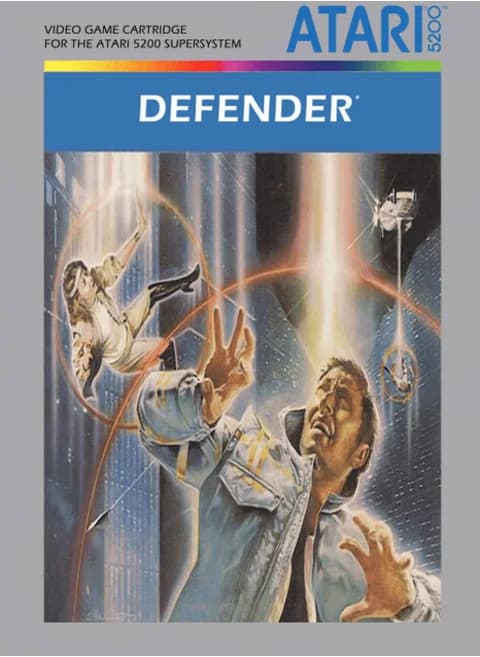
About Defender (NA)
| Year | 1982 |
|---|---|
| Released | 1982 (Atari 5200); arcade original 1981 |
| Developer | Atari, Inc.; arcade original by Williams Electronics (Eugene Jarvis, Larry DeMar) |
| Publisher | Atari, Inc. |
| Genre | Scrolling shooter |
| Players | 1–2 |
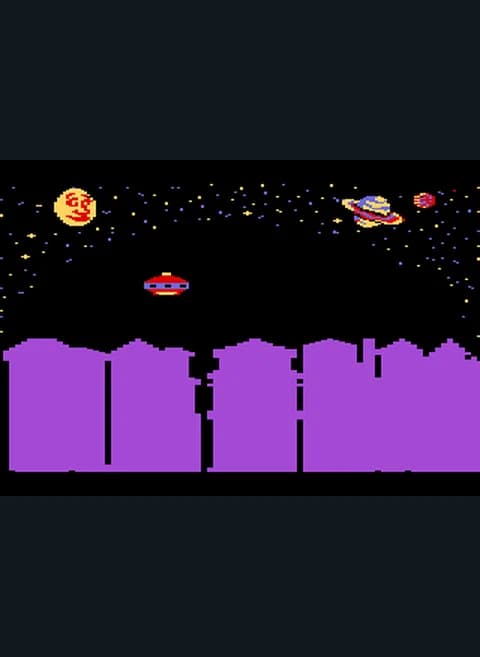
Defender is a 1981 Williams Electronics arcade game led by Eugene Jarvis with Larry DeMar. It is a side-scrolling shooter set over the mountains of an unnamed planet,. Atari ported it to the 2600 and, in 1982, to the new Atari 5200, the version on this page. Wikipedia says the 5200 port had updated visuals and a generally favorable reception, and David H. Ahl of Creative Computing Video & Arcade Games compared it favorably with the original while noting the differences in controller hardware.
In the arcade game you fly a ship with a forward laser and a supply of smart bombs, and you can reverse direction, thrust and jump into hyperspace. Your job is to destroy the alien invaders while protecting the astronauts on the ground from abduction; Landers try to carry them to the top of the screen.
On this page the cartridge opens on a menu: ONE PLAYER 1 EASY, 2 NORMAL, 3 HARD; TWO PLAYER 4 EASY, 5 NORMAL, 6 HARD; and 0 GAME DEMO, with "SELECT GAME AND PRESS THE START BUTTON". The default ONE PLAYER EASY started with Enter. In play a scanner runs across the top above the landscape.
On this page the 5200 joystick is the arrow keys, the lower fire button is Z and the upper one is X, Enter is Start, V is Pause, and S and A are the keypad * and # keys.
Controls
- Arrow keys = joystick
- Z = fire button 1 (lower)
- X = fire button 2 (upper)
- Enter = Start
- V = Pause
- S = keypad *, A = keypad #
- Game menu lists 1–3 (one player Easy/Normal/Hard), 4–6 (two players) and 0 (demo); Enter (Start) began the default ONE PLAYER EASY in testing
- 1 = quick save state, 2 = quick load, 3 = change save slot (saved in this browser)
- Every key can be remapped in the emulator's Control Settings; USB/Bluetooth gamepads work too
- On phones/tablets, turn on the on-screen touch gamepad from the game page
Tips
- Use the scanner at the top to spot Landers before they reach the astronauts.
- Start on ONE PLAYER EASY, the default choice, to learn the game.
- Keep turning around; enemies come from both directions.
- Save smart bombs for moments when the screen is crowded.
FAQ
- Which difficulty does Enter start?
- The menu's default, ONE PLAYER EASY. The menu also lists NORMAL and HARD and three two-player modes.
- Who designed Defender?
- Eugene Jarvis led the arcade game at Williams Electronics, with Larry DeMar.
- Is the 5200 version close to the arcade?
- Wikipedia says it was generally well received; David H. Ahl compared it favorably with the arcade original while noting the different controller hardware.
Sources
- Wikipedia: Defender (video game)
- Wikipedia: List of Atari 5200 games
- github.com/EmulatorJS/EmulatorJS (v4.2.3 default keyboard map)
Last updated:
Player comments
0 approvedNo public comments yet. Share a memory from this game.